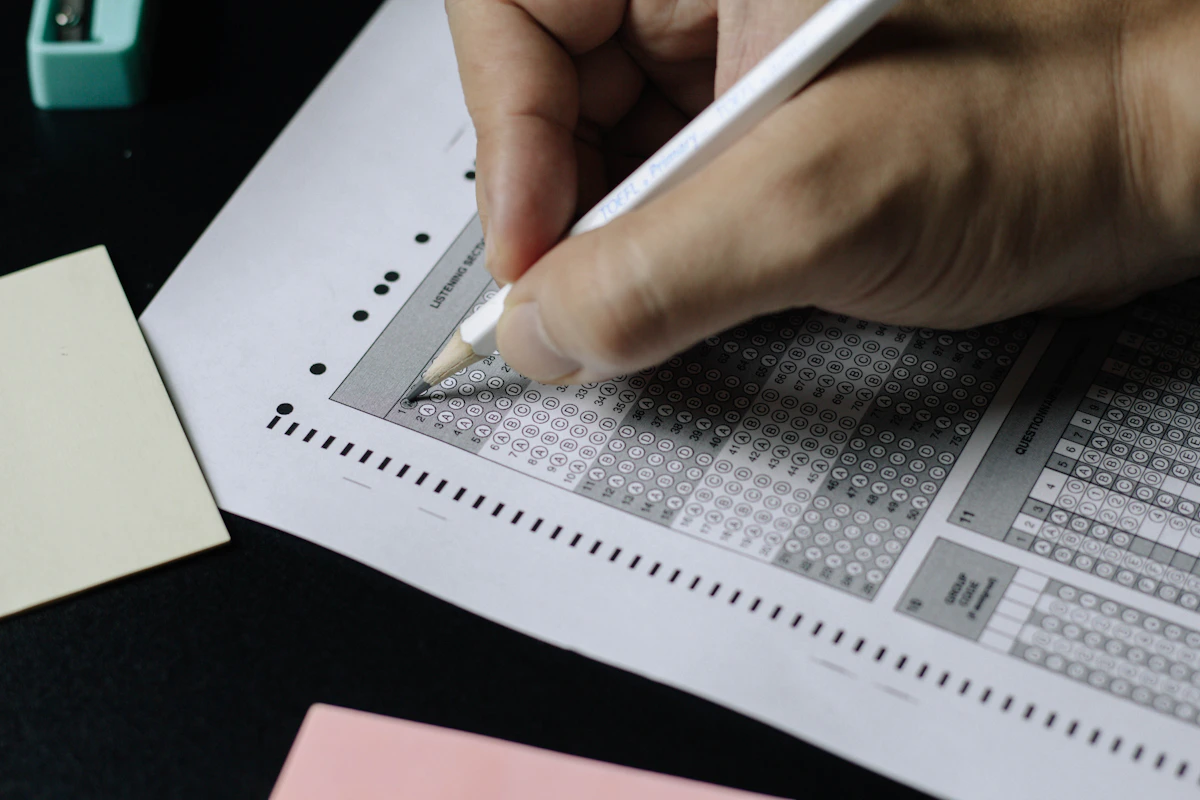
In this season of board and university results, students can check their scores via official websites, DigiLocker, the UMANG app, and SMS. Here is an easy step-by-step guide.
New Delhi. As exam-result season arrives, millions of students and parents await their scores. Heavy server load often slows the official website, so it helps to know several alternative ways to check results.
From the official website
Most boards and universities publish results on their official website. Students enter their roll number, date of birth, or admit-card ID. Once the result opens, save a print or PDF copy.
DigiLocker and the UMANG app
Many boards make a digital marksheet available on the DigiLocker app, which is official and valid. Several results can also be viewed through the government's UMANG app. Both apps work after mobile-number verification.
SMS service
When the website is heavily congested, the SMS service is often the most reliable option. By sending the roll number in the prescribed format, students can receive their result directly on their phone.
Important precautions
Check results only from official sources and never share personal details on unknown links. An online marksheet is provisional; the original marksheet is issued later by the school or institution. If there is any doubt about the marks, a re-evaluation option is usually available.